A desktop computer may contain components that need particular preparation before transport. Follow the manufacturer's guidance or the advice of the system builder, especially for customized equipment. Do not assume that wrapping the outside addresses every internal handling concern.
Finish the digital preparation
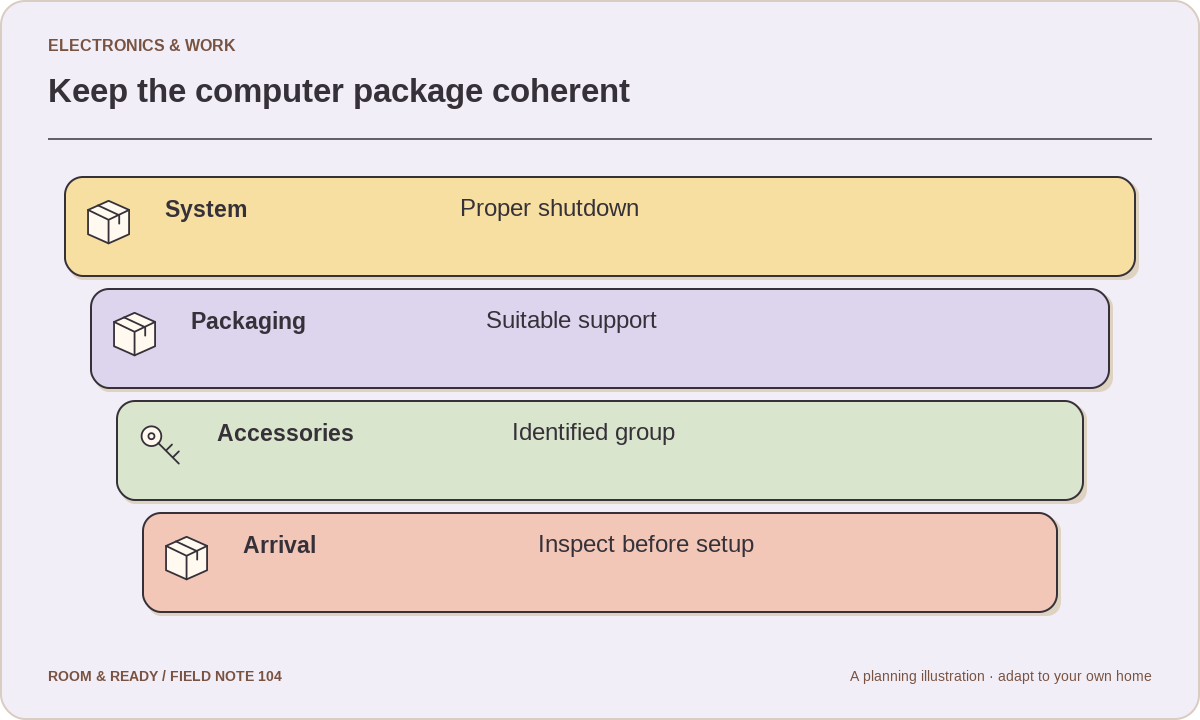
Save work, complete an appropriate backup check and shut down using the normal process. For managed equipment, follow workplace instructions. Record useful connection details before removing cables, then keep the essential leads and peripherals identified.
Use packaging suited to the system
Original protective inserts may help if they remain complete and suitable. Otherwise, ask for packaging appropriate to the computer's construction. Avoid pressure on projecting ports or controls, and do not place loose accessories inside the case. Any internal preparation should follow qualified guidance rather than improvised disassembly.
Restart methodically
At arrival, inspect the package and device for signs of damage before setup. Follow the manufacturer's guidance for conditions after transport. Connect the required peripherals and test the basic work functions before unpacking optional equipment. Retain packaging and condition records until any delivery questions have been resolved through the agreed process.