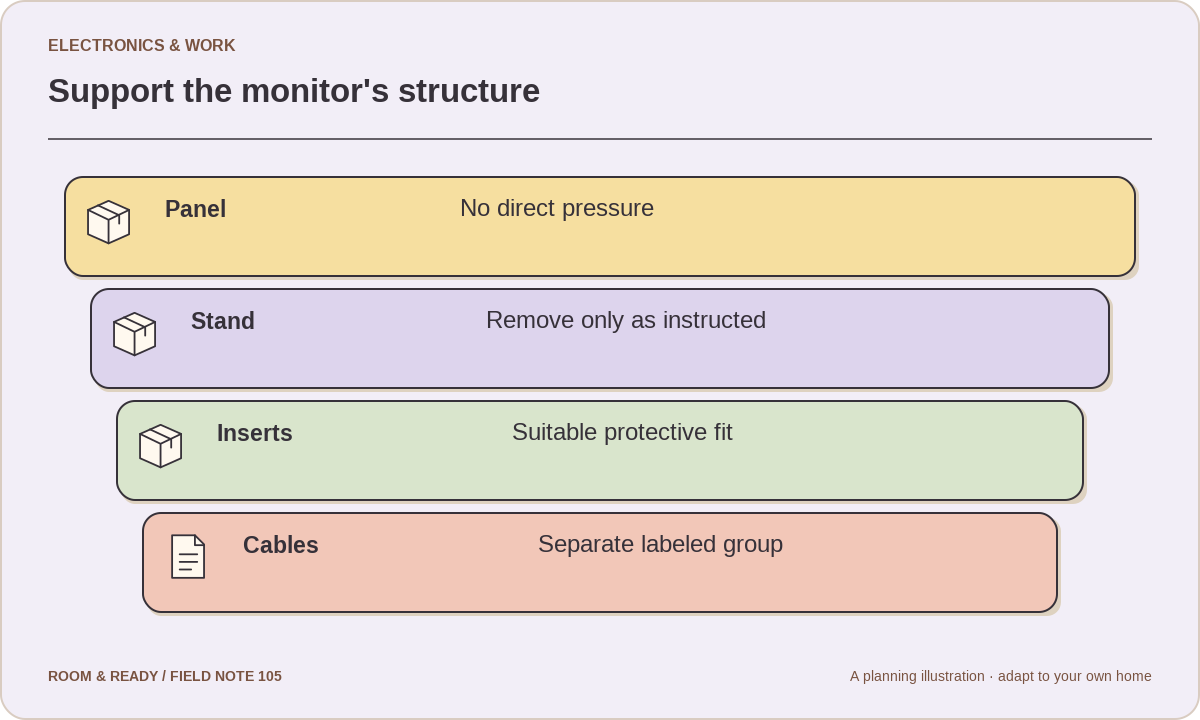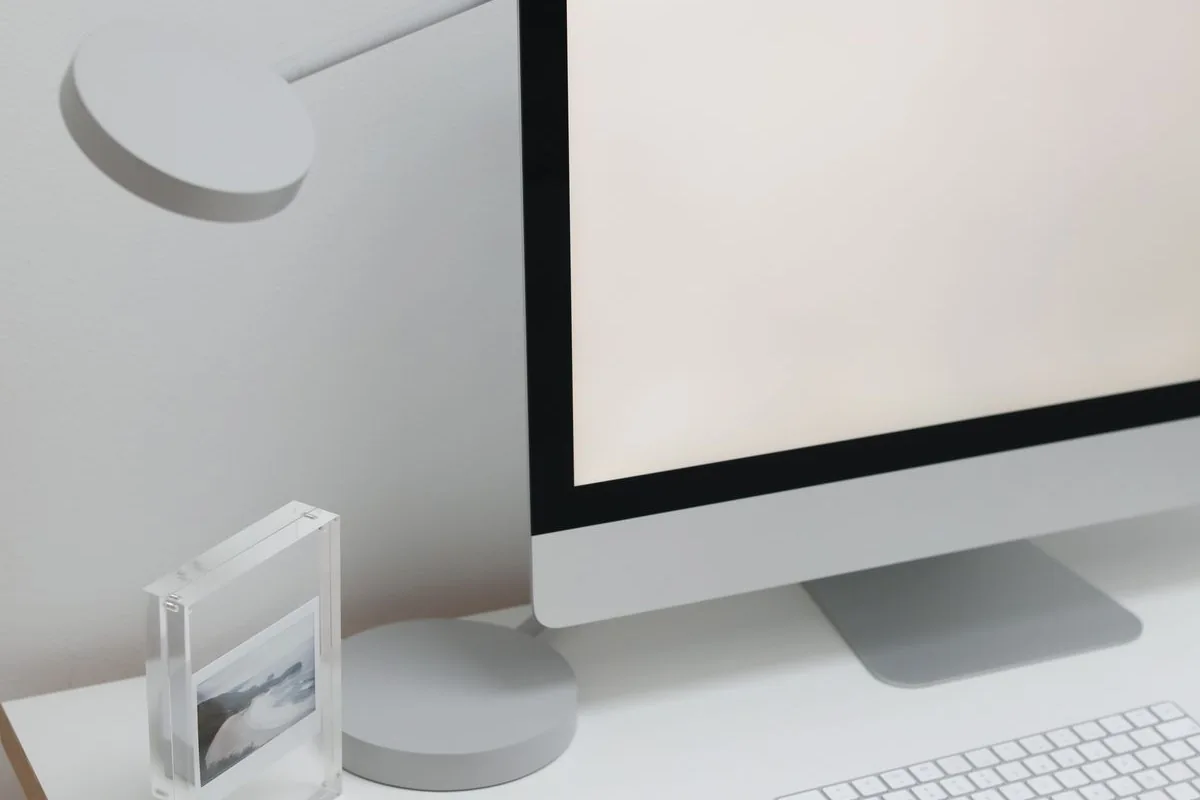

A monitor's screen is not a convenient flat surface for other belongings. Choose packaging that supports the device appropriately and protects it from pressure. Check the manufacturer's transport instructions, particularly for large, curved or unusually thin displays.
Prepare the display
Shut it down and disconnect it as instructed. Photograph the setup if the cable arrangement will be useful later. Remove the stand only when the design permits it and keep the matching fittings in an identified container.
Choose the protective system
Use sound original packaging where suitable or obtain an appropriate alternative. Keep rough material and adhesives away from the screen surface. Do not let a stand, power supply or loose cable press against the panel inside the same package.
Set up on a ready surface
At the new home, prepare a stable desk and the required support before opening the monitor package. Inspect the device and follow the instructions for assembly and connection. Keep the packaging until you know the display is functioning and any concerns are resolved. Labeling the associated cable kit prevents the first work session from beginning with a search through unrelated electronics.