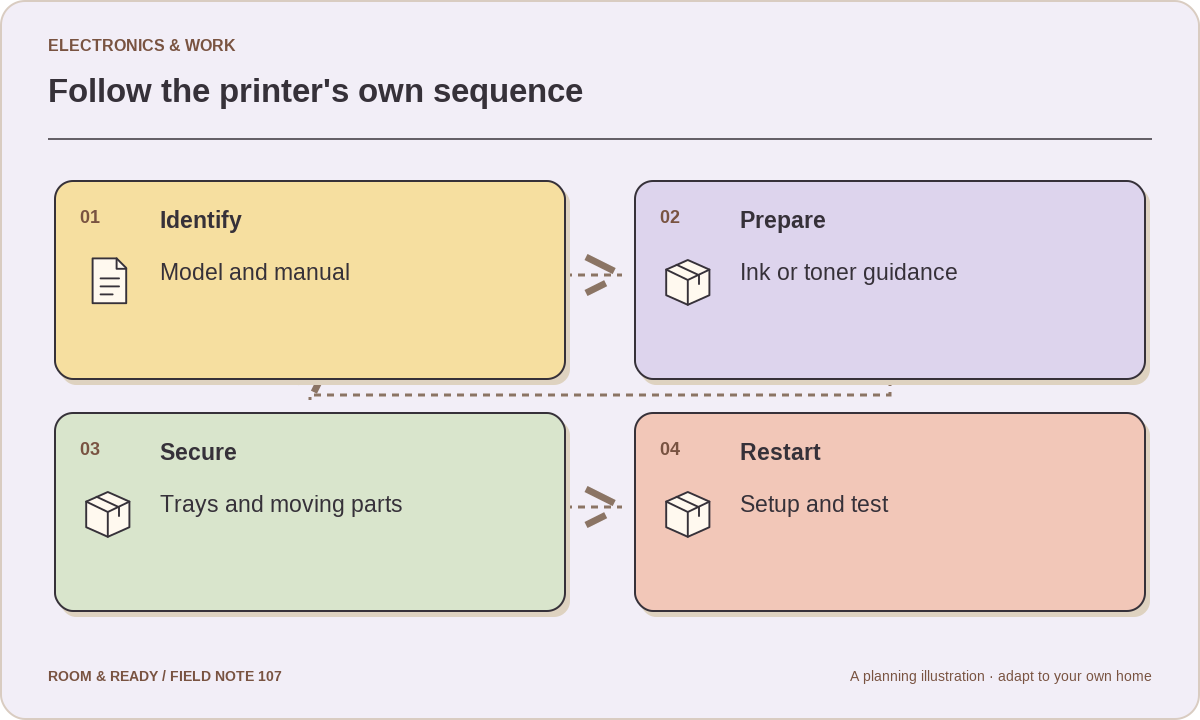

Printers use different mechanisms and consumables, so preparation should follow the exact model's instructions. A method suitable for one inkjet may be inappropriate for another printer. Find the transport guidance before removing cartridges, draining anything or securing internal components.
Record the model and supplies
Save the manual reference and identify the cables or accessories that belong to the printer. Remove loose paper from the appropriate trays if instructed. Keep confidential printouts out of packing photos and dispose of unneeded documents through your usual secure process.
Prepare only as directed
Follow the manufacturer's steps for cartridges, toner, trays and transport locks. Do not improvise internal restraints or assume a removable part must always be removed. Use suitable packaging that supports the printer and keeps loose accessories from contacting vulnerable areas.
Test after proper setup
At arrival, inspect the package and follow the restart instructions, including removing any designated transport protection. Reconnect through the intended process and run an appropriate basic test. Keep essential documents available digitally or through another planned method until the printer is working; an urgent first-day task should not depend on an unverified device.