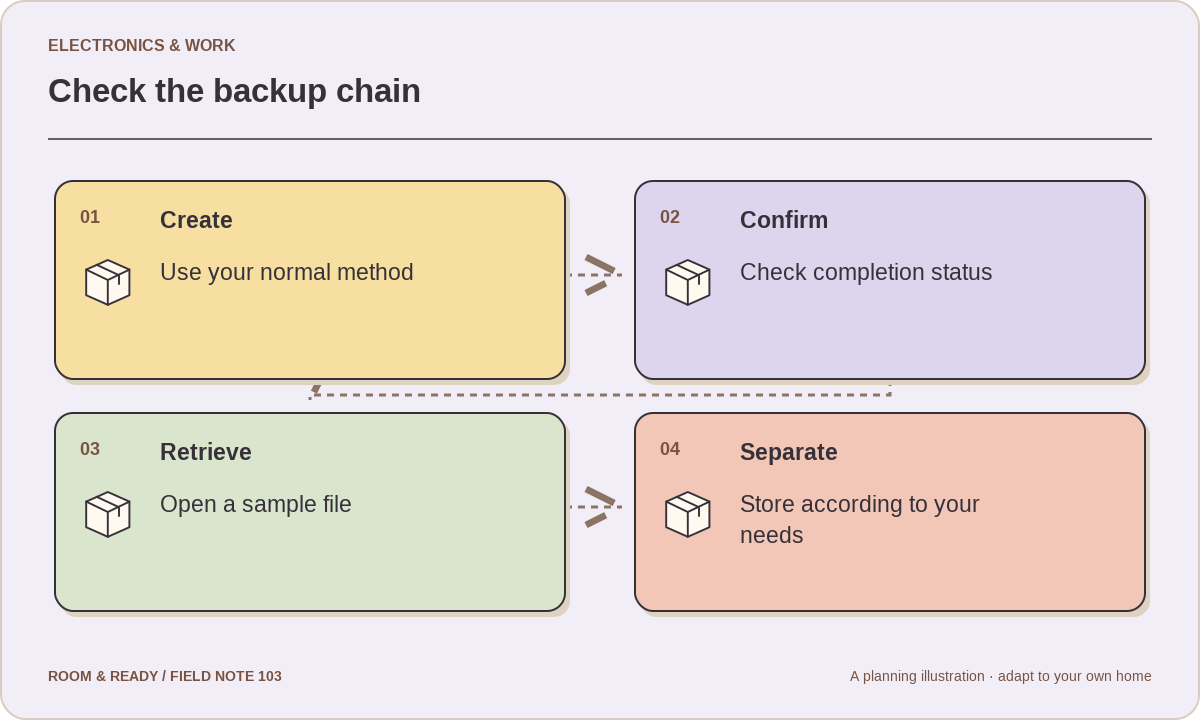

A backup is more useful when you know how to retrieve it. Before packing a computer, use your established backup process and check its completion. For work equipment or managed accounts, follow the organization's requirements instead of creating an unauthorized copy on a personal drive.
Choose a relevant check
Confirm that the files needed after the move are included in the backup scope. A general completed message may not cover a folder stored in an unusual location. Review recent changes and any exclusions using the backup system's own controls.
Test retrieval appropriately
Open or restore a small non-sensitive sample through the normal process to confirm you understand how access works. Keep account recovery information secure and available through your usual method. Do not write passwords on an exterior carton or include them in a shared packing document.
Keep the restart plan clear
Record which device or service you will use to access essential files during the transition. Protect backup media according to its instructions and your privacy needs. After arrival, inspect and set up the computer before relying on it for urgent work. A verified backup supports continuity, but it does not replace proper device handling.