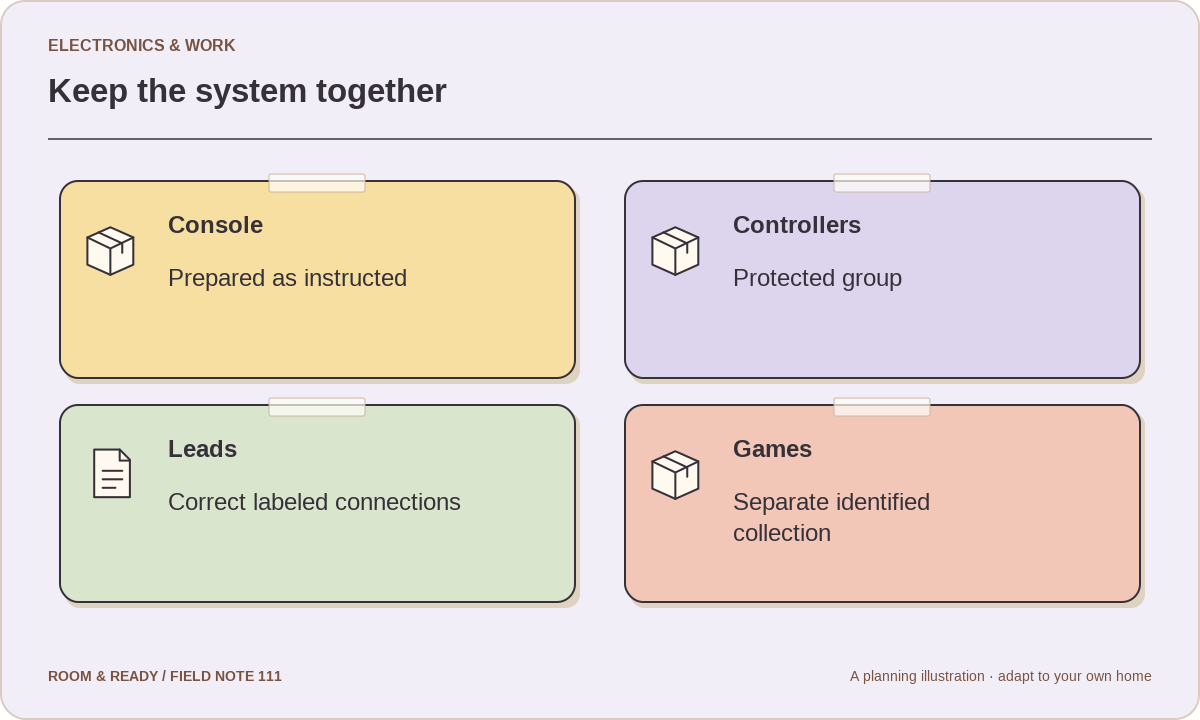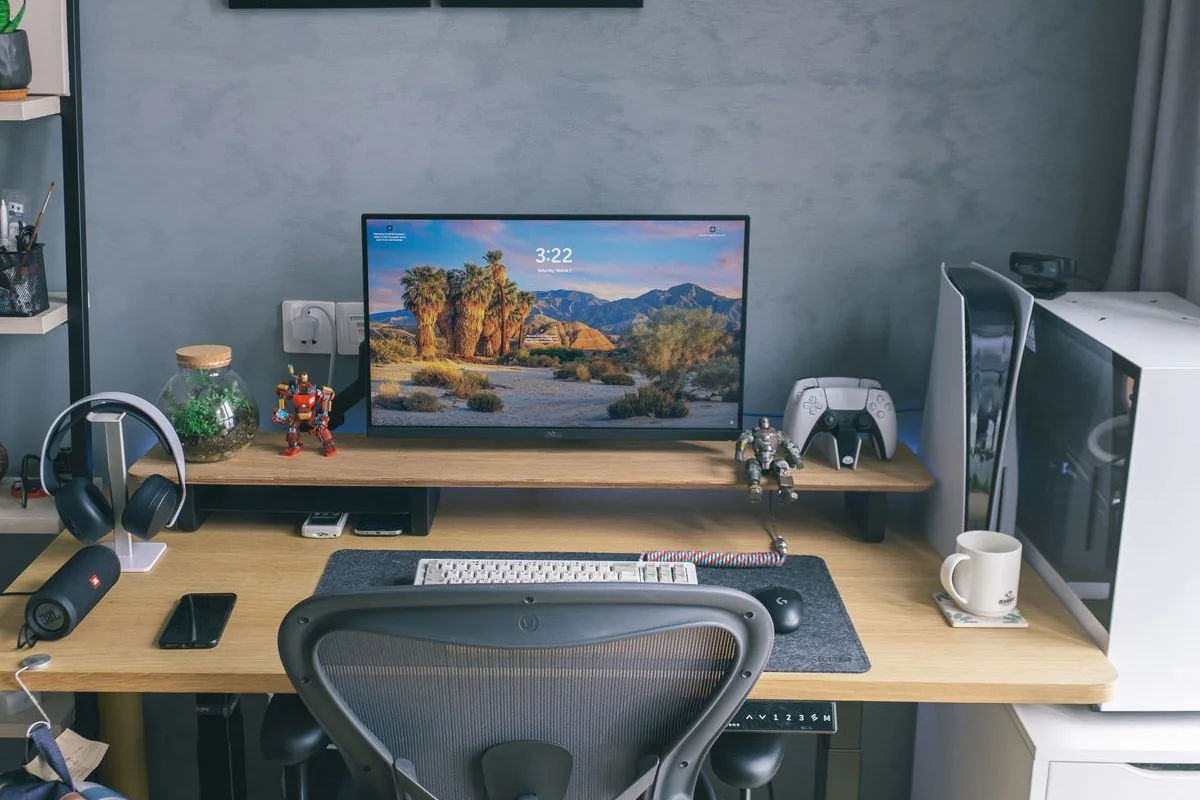

A game console is easier to restart when its controllers and connections arrive as one identified set. Follow the manufacturer's preparation and storage instructions, including guidance for removable media and batteries. Keep account information private rather than writing it on the exterior packaging.
Prepare the system normally
Save progress using the platform's intended process and shut down correctly. Check the instructions before removing discs, storage or accessories. For shared systems, make sure household members know when the device will become unavailable so an active session is not interrupted unexpectedly.
Protect the separate parts
Use suitable packaging for the console and keep controllers from being pressed against hard objects. Label the power and display leads. Avoid mixing several systems' adapters into one loose bag merely because their connectors look similar.
Restart after the room is ready
Set up the television or monitor first, then connect the console according to its instructions. Test the required functions before putting packaging away. Keep the game collection grouped by system and decide its storage once the entertainment layout is settled. The first evening may need only one complete set, while the rest can wait.