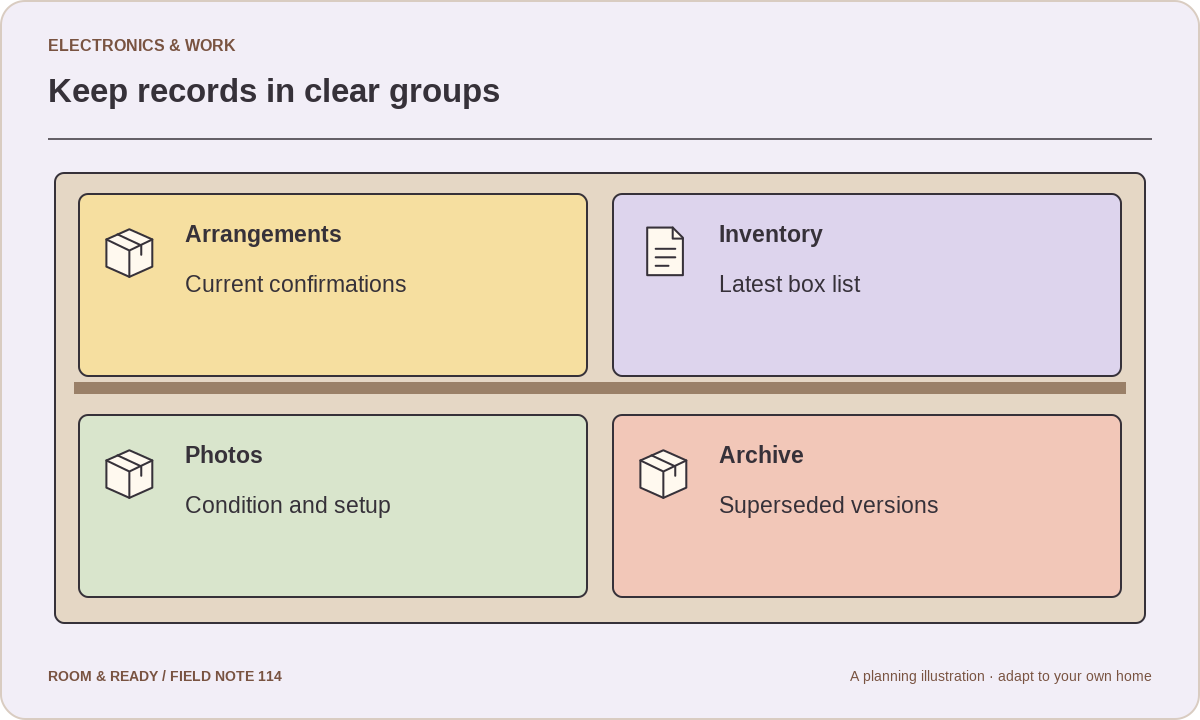

A digital moving folder can become as cluttered as a physical drawer. Keep the current plan easy to identify and separate it from old estimates or superseded schedules. Use your normal secure storage method and share only the records another person needs.
Name by purpose
Create a few clear groups such as arrangements, inventory and reference photos. Use descriptive filenames rather than relying only on automatic download names. Add dates where they distinguish versions, but avoid creating several files all labeled final.
Preserve the current answer
When an arrangement changes, move the older version into an archive or mark it clearly. Keep supporting correspondence if it is still relevant, while making the active schedule easy to open. A shared link should point to the current record rather than a detached copy nobody updates.
Prepare for limited connectivity
Make essential access details available through an appropriate offline method, protecting private information. Test that the relevant files open before departure. After the move, retain records you still need and remove unnecessary shared copies. The folder should support actual decisions, not become a permanent collection of every screenshot taken during the process.